More attention
for the patient.
Ambient drafts clinical notes. RxShield shows drug interaction evidence with its sources. Relay connects clinical devices and wearable data.
Explore the agents →
Look at the patient,
not the chart.
- Ambient listens to the consultation once patient notice and consent are confirmed.
- After the session it generates a draft SOAP note.
- The clinician reviews, edits and approves the draft.
Languages · English and 10 Indian languages (Hindi, Bengali, Tamil, Telugu, Gujarati, Kannada, Malayalam, Marathi, Punjabi and Odia).
Try Ambient
Check the interaction,
read the source.
- Enter two or more drugs and see the interaction findings.
- Each finding links to the passage in the source it came from.
- A Decision ID records the findings, sources and time of the check.
Live beta · free for licensed individual clinicians in the US and Canada

Clinical devices and wearables, one integration.
- Connect Scanbo D8, supported wearables and health platforms through one API.
- Readings arrive as JSON or HL7 FHIR R4 Observations, through APIs or webhooks.
- Relay transports and standardizes data. It does not make clinical decisions.
The agent shows its work.
The clinician decides.
Draft SOAP note
Awaiting approval
Ambient listens during consultations and creates draft SOAP notes for clinician review and approval.Check drug interactionsEvidence linked
RxShield checks potential interactions between medicines and links findings to source evidence.Connected health dataStandardized format
Relay connects devices and wearables and delivers readings in standardized JSON or HL7 FHIR R4 format.Clinical outputs require clinician review. No Scanbo AI agent prescribes, diagnoses or acts on its own.
Developer workspaceScanbo AI
Choose a surfaceConnect your application to the right Scanbo AI capability.
AmbientRelayRxShield
REQUEST
POST /v1/ambient/sessionsAuthorization: Bearer ••••••••patientConsent: confirmedYOUR APPLICATIONAPI + SDK accessCredentials, webhooks, and implementation docs for your approved use case.
Illustrative developer flow — access is provided during onboarding.
Build with Scanbo AI.
Keep the clinician in control.
- Ambient notes for clinician review and approval.
- Relay data through APIs, webhooks, JSON, or HL7 FHIR R4.
- RxShield findings with source passages and a Decision ID.
Tell us what you’re building, your use case, and the products you need. We’ll share the relevant credentials and documentation during onboarding.
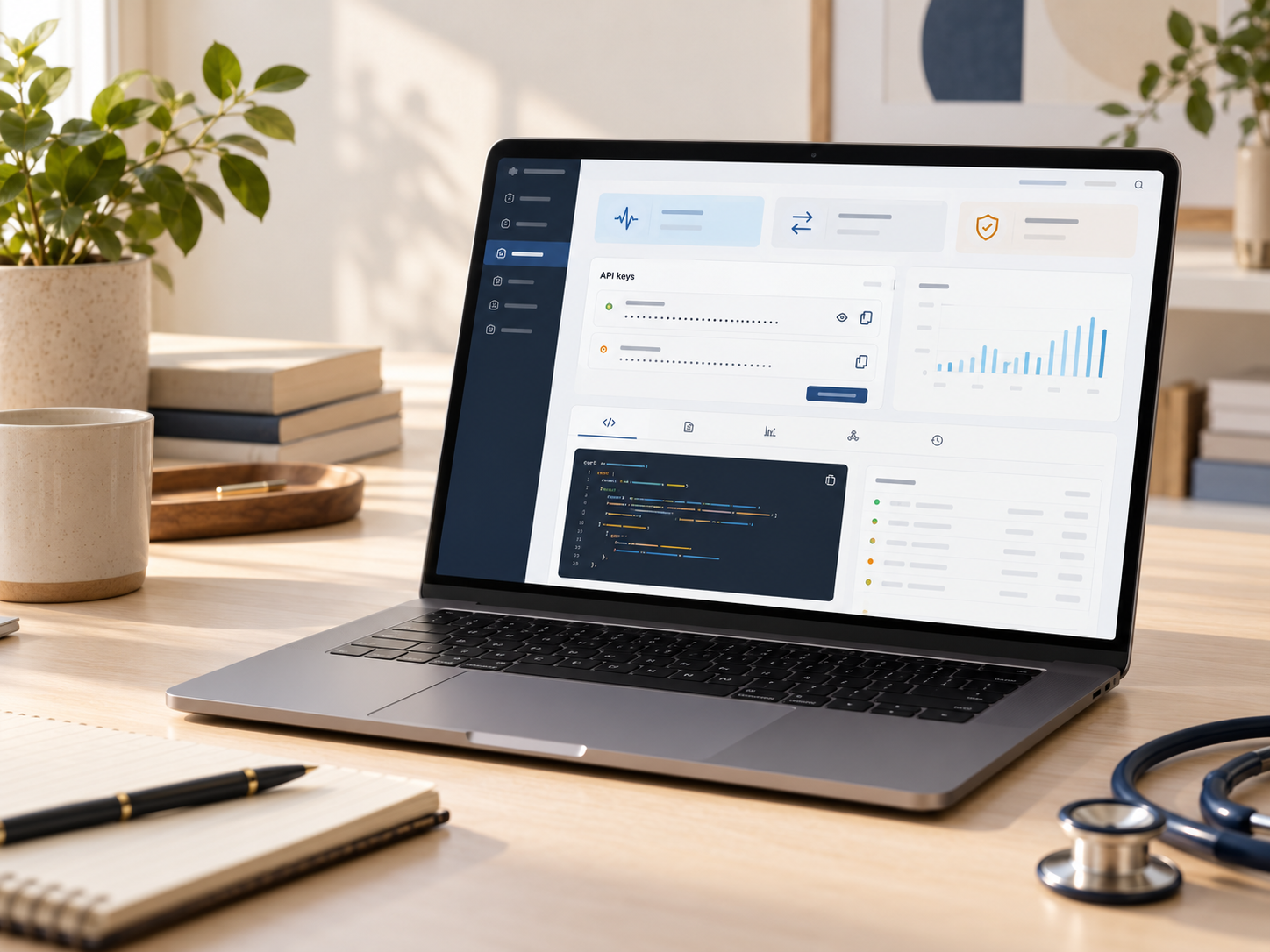
API access through the
Developer Portal.
- RxShield API access through the Developer Portal.
- Ambient API access through the Developer Portal.
- Relay API access through the Developer Portal.